Photo carousels and short videos
Pick a format, add your photos or clips, write the text on each slide and reorder them until the story reads right.
Build a photo carousel or a short video, write the caption, check every slide in the 9:16 format, place it in your calendar, then send it to TikTok when you decide.

Everything you need to go from an idea to a post on your TikTok profile, in one place, with a final check before anything goes out.
Pick a format, add your photos or clips, write the text on each slide and reorder them until the story reads right.
Write the hook that opens the post and the caption that goes with it. Your brand settings help Loopost suggest wording that sounds like you, and you edit everything.
Every slide is shown as it will appear on TikTok, in the vertical 9:16 frame, so you catch cut text and bad crops before posting.
Place each post on a day and a time in the week or month view. Scheduled posts can be moved or cancelled until they go out.
Send the post to your TikTok inbox as a draft and finish it in the TikTok app, or publish it directly with the privacy setting you choose.
Every carousel and video you prepare is kept in your Library with its status. Upload your own photos and clips once and reuse them in any post.
Four steps, and nothing reaches TikTok until you confirm it.
Sign in with the official TikTok login. You see the permissions Loopost asks for and you approve them on TikTok. Loopost never sees your password.
Open Create, choose a slideshow or a video format, add your media, the text on each slide, the hook and the caption.
Go through the slides in the 9:16 preview, fix what needs fixing, then save the post to your Library.
Pick a time in the calendar or post now. Choose inbox draft or direct post, and the account it goes to. Loopost sends it to TikTok at that moment.
Real screens from Loopost, taken on a demo workspace whose carousels were made in the app.

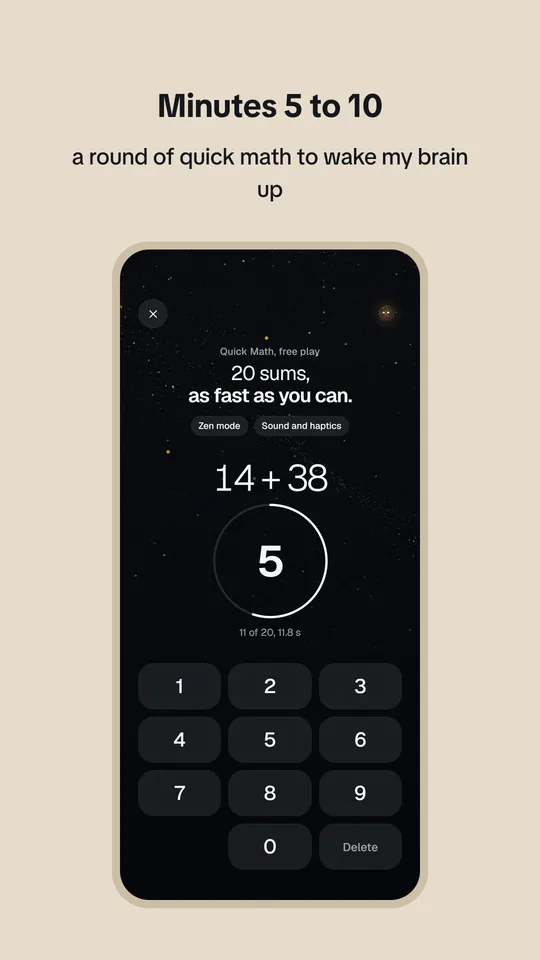
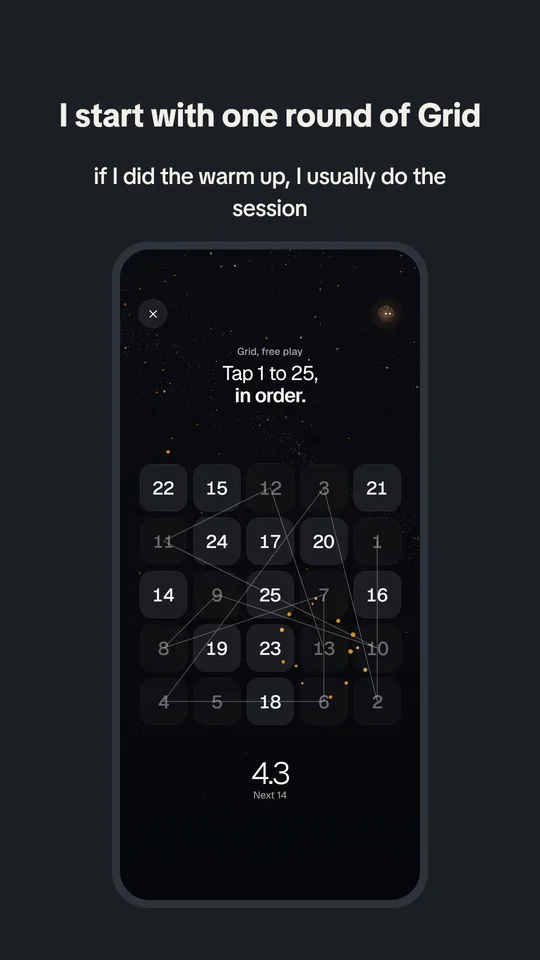
Edit each slide, swap images, move the text boxes, and check the 9:16 preview next to the hook and caption before you save or schedule.

A week or month view of what is scheduled, sent to the inbox, posted or in need of attention.

Start from a format, a multi image carousel, a wall of text or a short video, and fill it with your own content.
Loopost uses the official TikTok for Developers APIs, Login Kit to connect your account and the Content Posting API to send your posts.
| Permission | What Loopost does with it | When |
|---|---|---|
user.info.basic | Reads your display name, avatar and open ID to show which account is connected. | On connect |
video.upload | Sends a post to your TikTok inbox as a draft, which you finish and publish in the TikTok app. | When you choose inbox |
video.publish | Publishes a post directly on your profile with the caption and privacy setting you picked. | When you choose direct post |

Short answers about Loopost, TikTok and your data. Anything else, write to us.
Loopost is a dashboard to prepare, preview and publish your own short form content. You build photo carousels and videos, write the caption, check every slide, then send the post to TikTok when you decide.
Yes. Loopost is free to use, there is no paid plan and no payment information is asked.
You connect your TikTok accounts with the official TikTok login. Loopost only reads your display name, avatar and open ID, to show which account is connected, and it only posts to accounts you connected yourself.
Yes. Each workspace can hold several connected accounts, and every post lets you choose the account it goes to. Workspaces keep the content of different projects apart.
Open Create, pick Slideshow, add your photos or slides and write the text on each one. The preview shows every slide as it will look on TikTok, in the 9:16 format.
Yes. Upload them in Library, under My Media Bank, and pick them when a format asks for media. Only upload content you own or have the rights to use.
Send to inbox puts the post in your TikTok notifications as a draft, so you can add a sound and publish it from the TikTok app. Post directly publishes it right away with the privacy setting you pick.
No. Nothing is published until you click Publish or confirm a schedule. Scheduled posts go out at the time you chose, and you can cancel them from the Calendar before that.
TikTok sets daily limits on posts sent through its API, per account. Loopost shows an error when a limit is reached, and the post can be scheduled again the next day.
Remove it in Settings, under Connected accounts, and its tokens are deleted. You can also revoke Loopost in the TikTok app, in Settings and privacy, then Security, then Manage app permissions.
Email said.souidi.career@gmail.com from any address and ask for deletion. Everything Loopost holds about you is deleted within 30 days and you get a confirmation by email.
Questions, support, a bug, a data request. Every message is read and answered.
Loopost is made and run by Vagabond Studio, based in France. Loopost is not made, endorsed or sponsored by TikTok.